Download
Choose macOS, Windows, or Linux and start the installer.
 MotoAgent Desktop · one-click install
Download MotoAgent and let it prepare everything for you. No command-line setup — OpenClaw, Hermes, Codex, and Claude are ready when installation finishes.
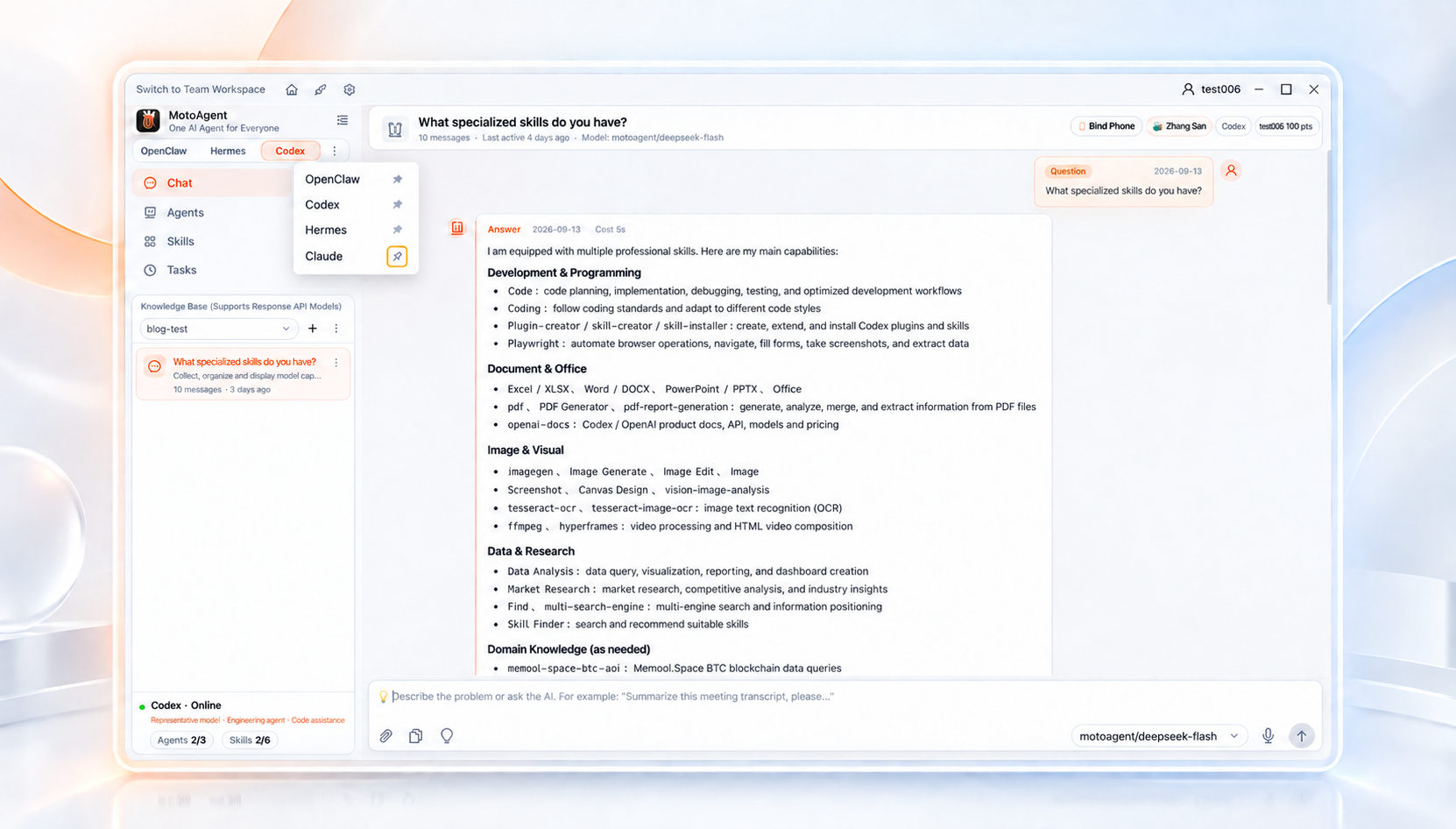
Install once · Start working
MotoAgent puts the complex setup inside the installer, so you can spend your time on the work that matters.
Choose macOS, Windows, or Linux and start the installer.
The runtime, gateway, and agent dependencies are prepared for you.
Pick OpenClaw, Hermes, Codex, or Claude and get to work.
Product Capability
Bind multiple accounts on one computer. Each person gets a separate agent, tasks, memory, and settings.
Bring WeChat, Feishu, WeCom, DingTalk, and Telegram into the desktop app so everyday chat becomes your agent entry point.
Switch between OpenClaw, Hermes, Codex, Claude, MCP, and ACP based on the job.
Accounts, secrets, and sessions stay managed by the desktop client, which fits shared family and internal team use.
Official installers with startup support keep your agents ready whenever the computer is on.
Workflows
MotoAgent is not just a chat box. It is a multi-user agent workspace you can keep running, split by family members, team accounts, business tasks, and AI backends.
Long-running projects, research organization, cross-channel communication, and daily automation
Each member uses their own agent while sharing channel and model access
Run multiple accounts in parallel and assign agents by business line
Manage multiple accounts on one computer while everyone keeps an independent agent
MotoAgent Desktop
Available for macOS, Windows, and Linux. The desktop app includes a built-in gateway for multiple channels, models, and independent agents.